
Taking over an irrigation system is the documentation job you can undertake before it becomes a headache. If you’re an irrigation technician, follow these steps post installation, or service to build the trust of your client & leave them best placed to call on you as their trusted service contact.
A clear record helps later, sets you up for scheduled maintenance, where you will need to know which valve feeds which bed, where the isolation points are, or what the controller is actually programmed to do. Valves sit in boxes under turf and cables run through trenches, so without a record a small fault becomes an excavation.
We wrote this checklist for trades and technicians, so it is a best-practice standard for improving handovers. Read it as a standard worth aiming for, not as a description of how sites arrive.
The pre-handover checklist
1. Controller and program. Make, model and serial number. Label every station wire. Record start times, run times, watering days, seasonal adjustment, rain sensor setting and any master valve or pump relay, plus the pump controller if fitted. For an app-connected controller, record who owns the account and transfer it through the manufacturer’s process.
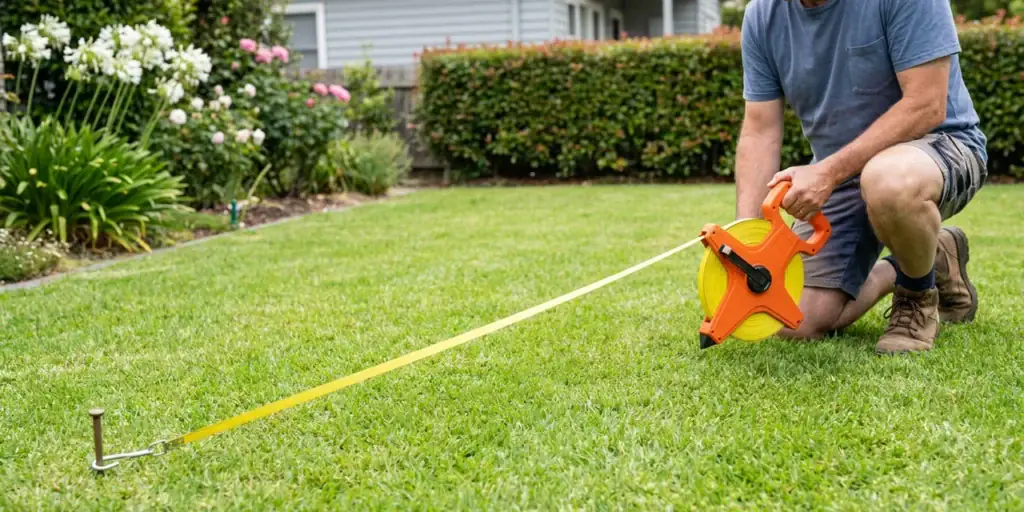
2. Zone map and valve locations. Annotate a site plan with each zone, the heads or drip rows it serves, and its valve. Mark each box by measurement from a fixed feature, and use valve and cable locators where a box will not show. Photograph each box open.
3. Water source, isolation and backflow. Record the source type, the main isolation valve, isolation at each manifold, any pump isolation, and the meter size and location. Note the backflow device, its location and last test date. Requirements vary by jurisdiction, so record who is responsible rather than assuming a device that is present has been tested.
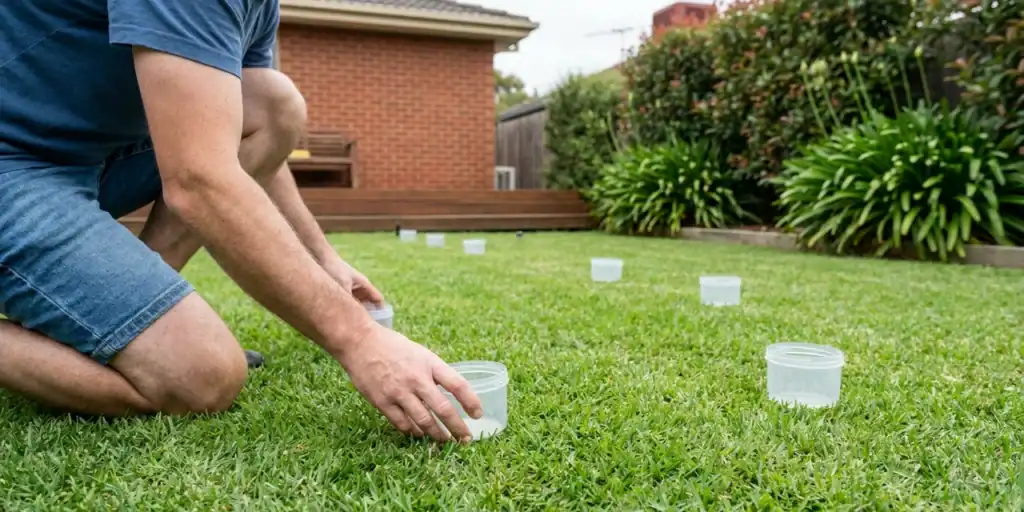
4. Supply capacity. Static pressure and flow at the supply point, and working pressure at the furthest head on at least one zone, with method and date. These tell the next person whether a fault belongs to the supply or to a zone.
5. Zone-by-zone record. Zone and station number, irrigation type and model, nozzle, spacing, head or row count, regulator set point, measured flow, working pressure at the furthest point, filter model and element rating, last flush and known faults. It is the same set a technician needs at 7am with a complaint in hand.
6. Faults, spares and documents. Keep confirmed faults separate from complaints nobody has investigated. List spare nozzles, filter elements, solenoid coils and fittings with model numbers, and file manuals and test certificates with the asset record.
The “As done” drawing is worth investing in
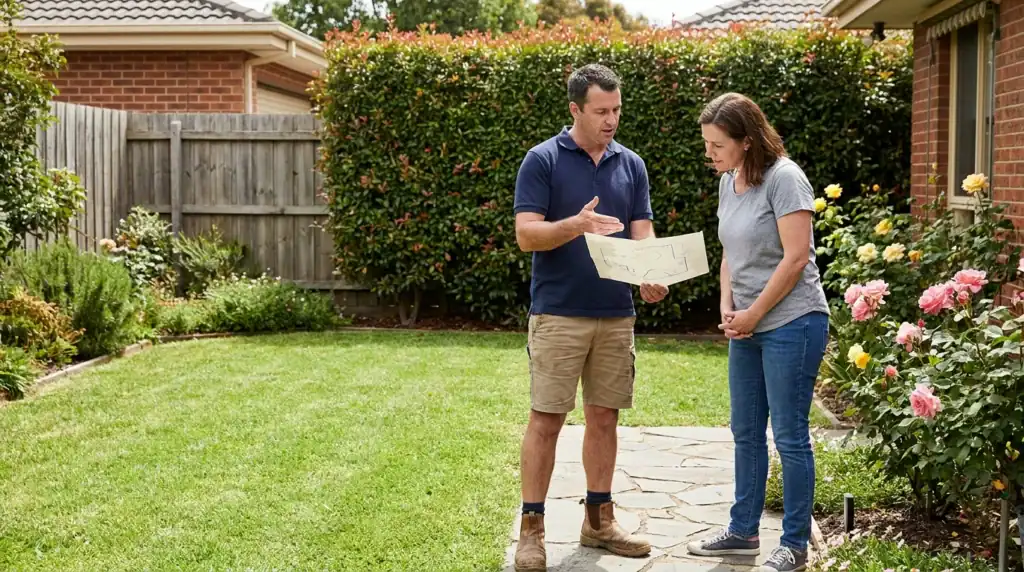
An “As done” drawing records what was installed rather than what was designed: actual pipe routes, valve positions, zone boundaries, cable paths and depth where it matters. It is the document that turns a return visit into a short check rather than a morning with a shovel.
Many sites have nothing usable. Where that is the case, your notes, photographs and marked-up plan are the raw material, and our Design Department can assist with “As done” drawings where required. Contact us to discuss the field information needed. On a new installation, ask for it at handover rather than after the invoice.
After the walkthrough
Run each zone briefly with both parties present. Confirm the map matches reality and that the controller activates the right valve. Note any zone that cannot be run, leave a copy with the site, and set review dates for the next filter service, backflow test and seasonal program change.
Professional boundaries
A handover is not an audit, a certification or a guarantee of compliance. Backflow testing, mains plumbing and fixed electrical work belong with the appropriately licensed trades, and where a compliance record is missing you record the gap and the responsible party.
If faults need design or repair work, book a professional, and start parts with irrigation controllers, valve locators and valve boxes. If you run these handovers regularly, TradePLUS+ connects eligible businesses with our trade program. Join to explore the benefits and support available for your business.
Last updated: 12 November 2026